

Open Integrations Page
Go to app.refacto.ai/integrations.
Here you’ll see all available integrations (currently GitHub, with more coming soon).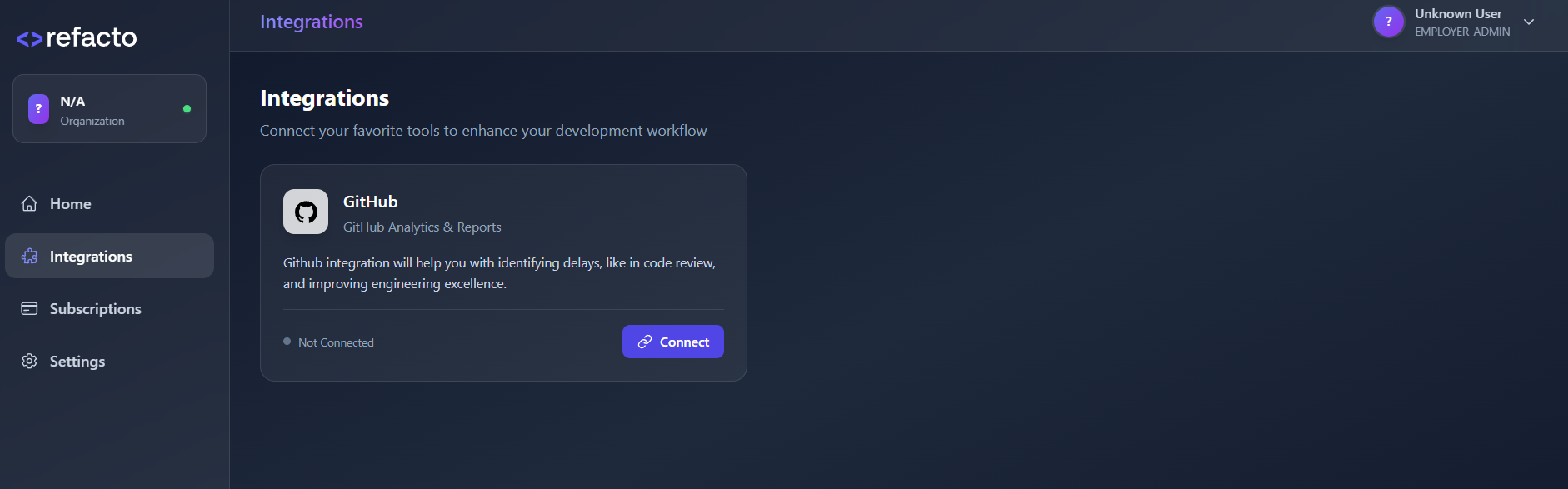
Here you’ll see all available integrations (currently GitHub, with more coming soon).
Connect GitHub
Click the Connect button to start linking your GitHub account.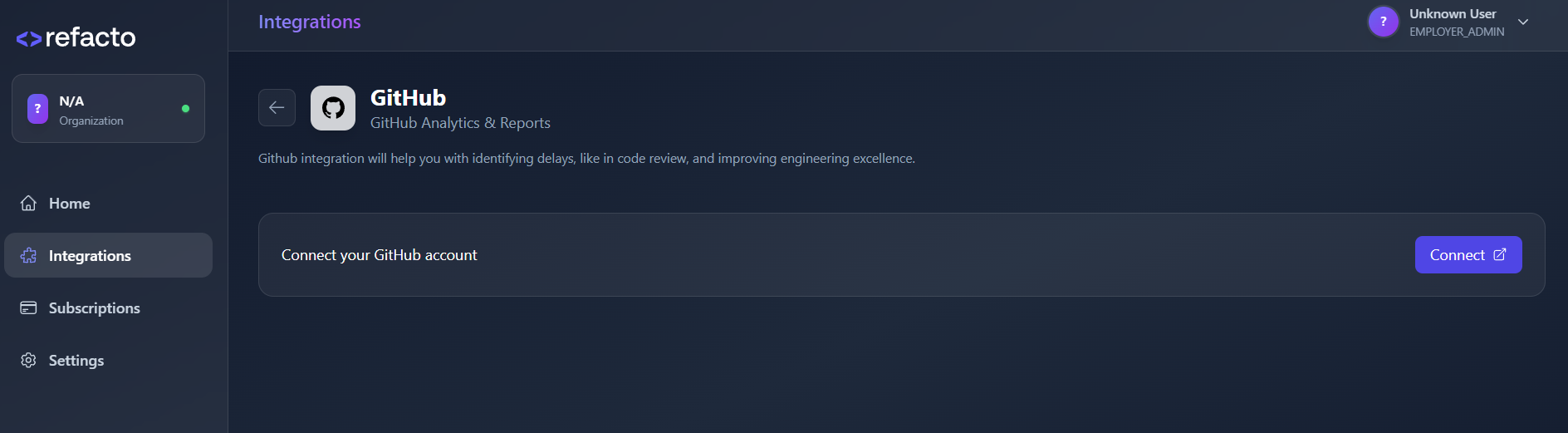
Authorize Refacto-bot
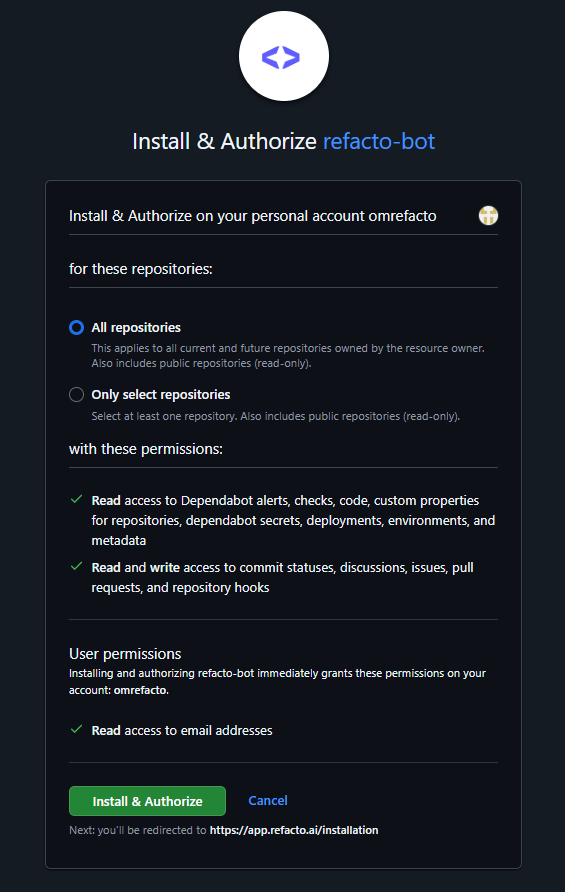
You’ll be redirected to GitHub’s Refacto-bot installation screen.
- Select the repositories or organization you want to connect.
-
Click Install & Authorize to grant Refacto access.
Finish Setup
After authorization, you’ll be redirected back to the app.
Your GitHub integration will now appear as Connected.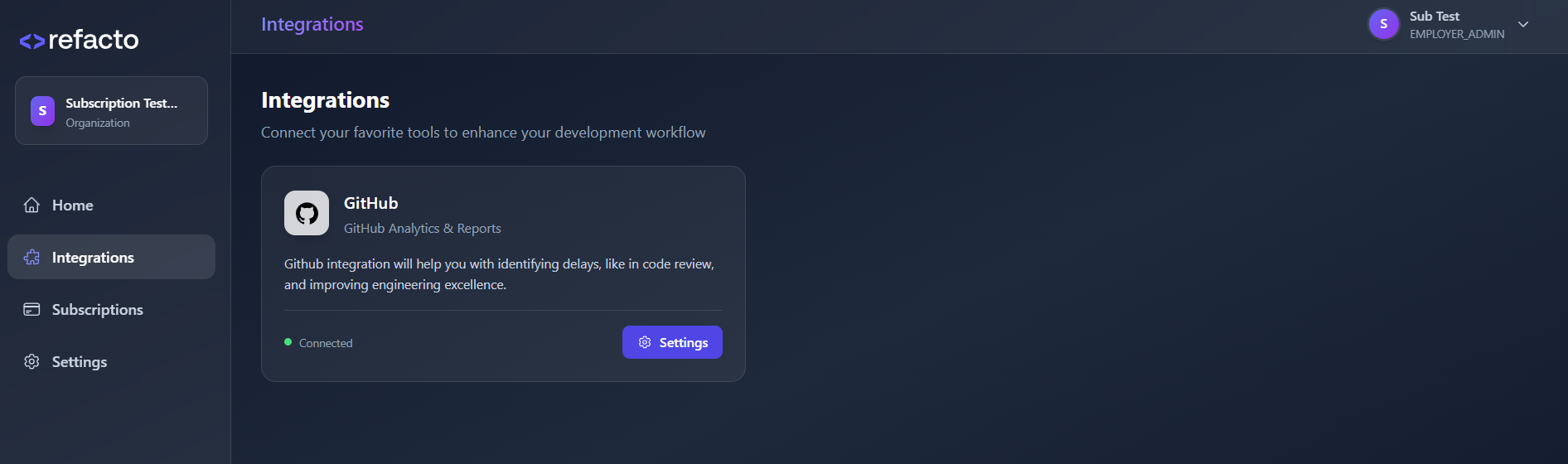
Your GitHub integration will now appear as Connected.